The word SVG is commonly seen in web design, graphic design, coding, and digital media. If you have ever downloaded an image file with the extension “.svg” or worked with websites, you may have wondered what it actually means. Understanding the SVG meaning helps you work with modern graphics, especially in web development and design.
SVG is not just a file type—it is a powerful way of creating images that stay sharp at any size. That is why it is widely used in websites, apps, logos, and animations.
What Does SVG Mean
Definition
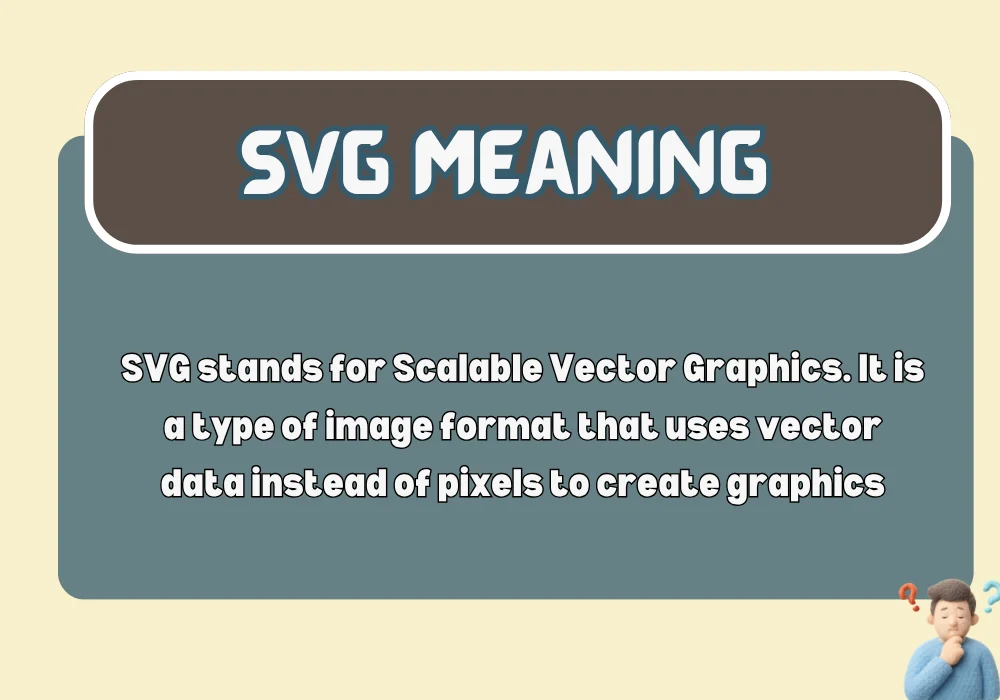
SVG stands for Scalable Vector Graphics. It is a type of image format that uses vector data instead of pixels to create graphics.
In simple terms, SVG means:
- A digital image format
- That can be resized without losing quality
- Used mainly in web and app design
Unlike normal images, SVG files do not become blurry when zoomed in.
Origin and Background
SVG was developed by the World Wide Web Consortium (W3C) in the late 1990s and early 2000s. The goal was to create a standard format for vector-based graphics that could be used directly on the web.
Before SVG, most web images were:
- JPEG
- PNG
- GIF
These formats use pixels, which limits quality when scaling. SVG solved this problem by using mathematical shapes instead of pixels.
How SVG Works
Vector-Based Graphics Explained
SVG images are built using:
- Lines
- Shapes
- Paths
- Coordinates
Instead of storing thousands of pixels, SVG stores instructions like:
- Draw a circle here
- Draw a line from point A to B
- Fill this shape with color
Because of this, SVG images are:
- Lightweight
- Scalable
- Highly editable
Example of SVG Concept
If you zoom into a PNG image, it becomes blurry.
If you zoom into an SVG image, it stays perfectly sharp.
That is the key difference.
SVG Meaning in Simple Language
In everyday terms, SVG means:
- A type of image that never loses quality
- A format used for logos and icons
- A file that behaves like math instead of pixels
You can think of SVG as a smart image format that adapts to any screen size.
Where SVG Is Used
Web Design
SVG is widely used in websites for:
- Logos
- Icons
- Buttons
- Animations
It ensures visuals look sharp on all devices.
Mobile Apps
App developers use SVG because:
- It reduces app size
- It improves display quality
- It works on different screen resolutions
Graphic Design
Designers use SVG for:
- Branding
- Illustrations
- Scalable artwork
SVG files are easy to edit without losing quality.
Data Visualization
SVG is also used in:
- Charts
- Graphs
- Infographics
Because each element can be controlled individually.
SVG vs Other Image Formats
Here is a simple comparison to understand SVG better.
| Feature | SVG | PNG | JPEG |
|---|---|---|---|
| Type | Vector | Raster | Raster |
| Quality on zoom | Always sharp | Becomes blurry | Becomes blurry |
| File size | Small | Medium | Medium |
| Editability | Very easy | Limited | Limited |
| Best use | Logos, icons | Photos with transparency | Real images |
SVG stands out because it is scalable without losing quality.
Advantages of SVG
1. Infinite Scalability
SVG images can be resized without any loss in quality.
2. Small File Size
Because SVG uses code instead of pixels, files are usually lightweight.
3. Easy Editing
SVG files can be edited using:
- Code editors
- Design tools
- Browser tools
4. Animation Support
SVG supports animations like:
- Moving shapes
- Color changes
- Interactive graphics
5. SEO Friendly
Search engines can read SVG code, which can help with web performance.
Disadvantages of SVG
Not Ideal for Real Photos
SVG is not suitable for detailed images like photographs.
Can Be Complex
For beginners, SVG code may look technical and confusing.
Browser Compatibility Issues (Rare)
Most modern browsers support SVG, but very old systems may not fully support advanced features.
Examples of SVG in Real Life
Website Logo
A company logo that stays sharp whether viewed on mobile or desktop.
App Icons
Icons that scale perfectly on different screen sizes.
Animated Graphics
Moving shapes on websites, like loading spinners.
Maps and Diagrams
Interactive maps that zoom smoothly.
SVG in Coding (Basic Example)
SVG is actually written in code format. A simple example looks like this:
- A circle with color
- Defined by coordinates
- Rendered directly in the browser
This is why SVG is considered both an image and a code-based graphic format.
Common Mistakes or Misunderstandings
Thinking SVG Is a Photo Format
SVG is not for real photos. It is for shapes and graphics.
Confusing SVG With PNG or JPEG
SVG works completely differently because it is vector-based.
Believing SVG Is Only for Designers
Developers also use SVG heavily in web development.
Related Terms
When learning the SVG meaning, you may also come across:
- Vector graphics
- Raster images
- Resolution independence
- XML graphics
- Web graphics
These terms help you understand how digital images work.
FAQs:
What does SVG stand for?
SVG stands for Scalable Vector Graphics, a format used for digital images that can scale without losing quality.
What is SVG used for?
SVG is used for logos, icons, illustrations, charts, and web graphics that need to stay sharp at any size.
Is SVG better than PNG?
SVG is better for scalable graphics, while PNG is better for detailed images like photos or complex artwork.
Can SVG be animated?
Yes, SVG supports animations such as movement, color changes, and interactive effects.
Is SVG a code or an image?
SVG is both. It is an image format written in XML-based code that browsers can render as graphics.
Conclusion:
The SVG meaning goes beyond just a file extension. It represents a modern way of creating images that are scalable, lightweight, and highly flexible. Unlike traditional image formats, SVG uses mathematical instructions instead of pixels, making it ideal for websites, apps, logos, and animations.
By understanding SVG, you can better appreciate how modern digital graphics work and why they are so widely used in web design and development today.

John is the founder and primary content creator of Worlyz. He has a strong passion for explaining word meanings, language concepts, slang terms, and educational topics in a clear and simple way. John focuses on creating well researched, reader friendly content that helps users easily understand complex words and ideas. Through Worlyz, his goal is to make learning meanings and concepts straightforward and accessible for everyone.